> ## Documentation Index
> Fetch the complete documentation index at: https://aiodapp.com/docs/llms.txt
> Use this file to discover all available pages before exploring further.
# Discount saved but not applying
> Troubleshoot an AIOD discount that was saved successfully but does not apply to the test cart or storefront.
A saved rule can still be ineligible for the cart being tested. Work through this checklist before changing the offer.
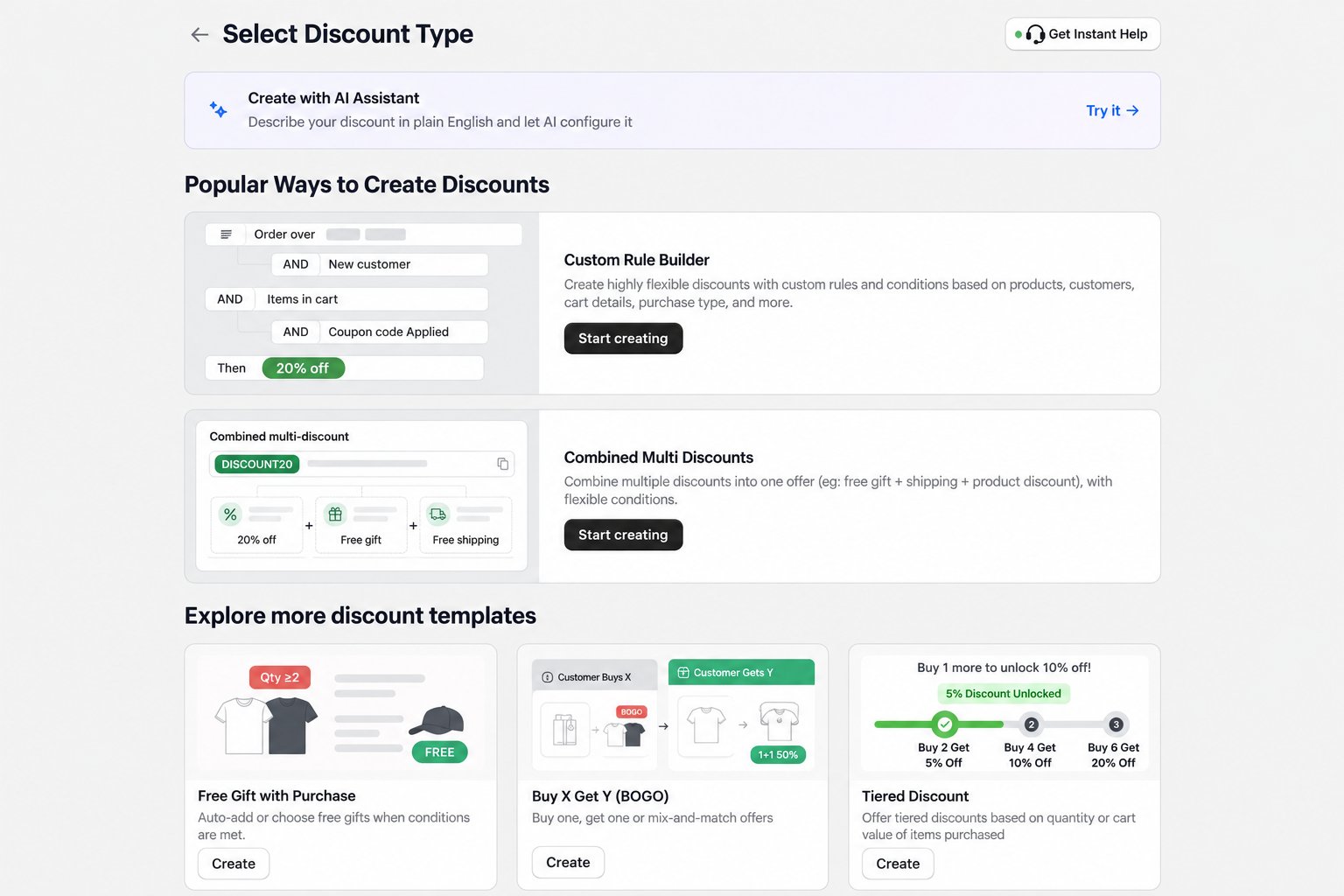 ## 1. Confirm the rule is active
Check its start and end dates, status, usage limits, customer eligibility, and sales channel. Use the store's timezone when reviewing scheduled dates.
## 2. Recheck every condition
The test cart must satisfy every required condition in the rule. Common examples include:
* minimum purchase amount or quantity;
* required products, variants, or collections;
* customer segments or tags;
* purchase type; and
* required discount code.
For a minimum-spend offer, compare the qualifying amount with the cart subtotal used by the rule. Shipping, taxes, and other discounts may not count toward that subtotal.
## 3. Test the correct discount method
* An **automatic** rule needs no code and runs only when its conditions are satisfied.
* A **code-based** rule requires the configured code. Confirm the exact spelling and remove any other code that could conflict.
The discount method cannot be changed after the rule is saved. Create a new rule if the original was created with the wrong method.
## 4. Check discount combinations
Another Shopify or app discount may already be active. Review the rule's combination settings and test with other promotions removed from the cart.
## 5. Check storefront requirements
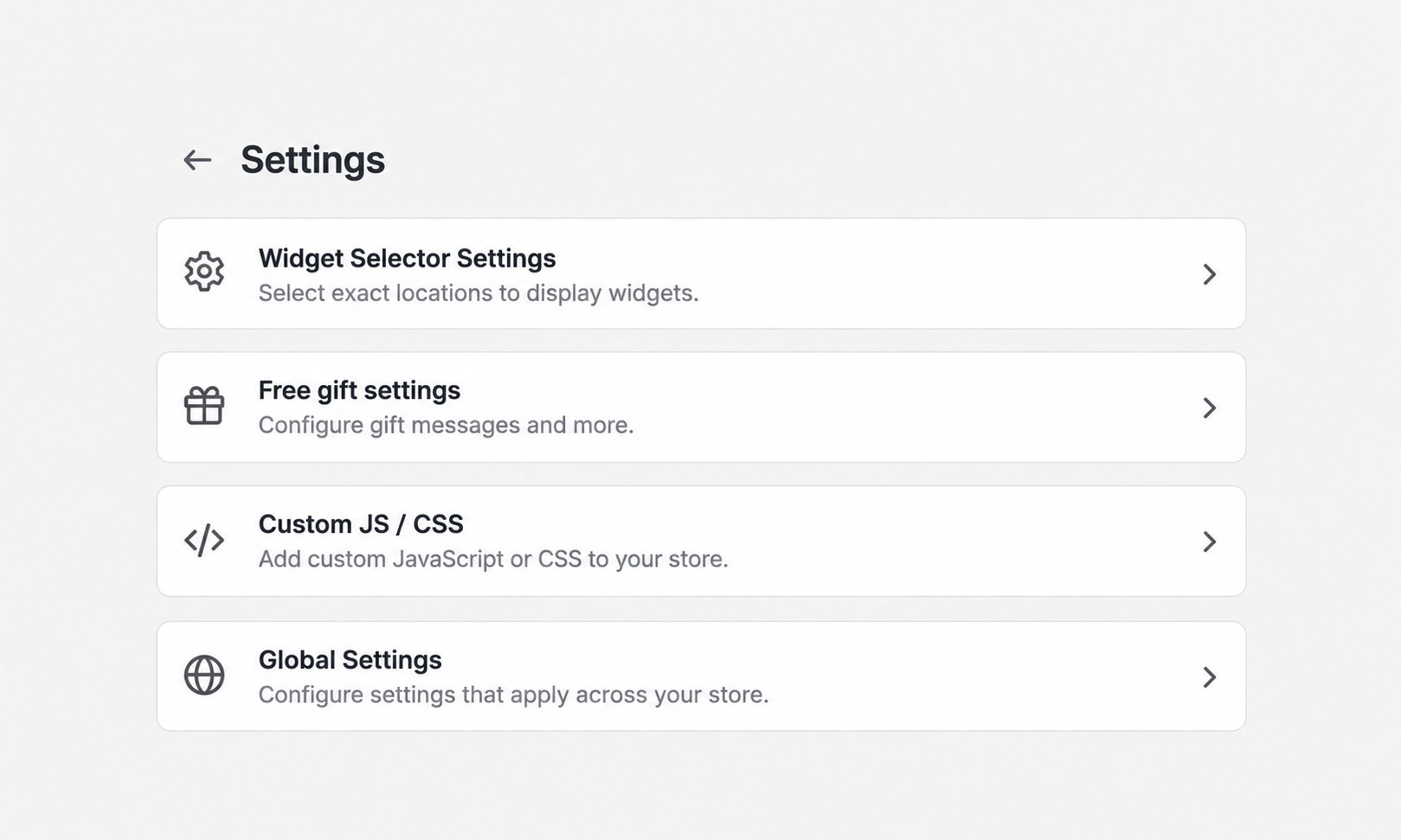
For free gifts and storefront widgets, enable AIOD's **Latest Widget Manager** app embed on the published theme and save the theme. A disabled extension can prevent the storefront experience from appearing even when the discount configuration exists.
## 1. Confirm the rule is active
Check its start and end dates, status, usage limits, customer eligibility, and sales channel. Use the store's timezone when reviewing scheduled dates.
## 2. Recheck every condition
The test cart must satisfy every required condition in the rule. Common examples include:
* minimum purchase amount or quantity;
* required products, variants, or collections;
* customer segments or tags;
* purchase type; and
* required discount code.
For a minimum-spend offer, compare the qualifying amount with the cart subtotal used by the rule. Shipping, taxes, and other discounts may not count toward that subtotal.
## 3. Test the correct discount method
* An **automatic** rule needs no code and runs only when its conditions are satisfied.
* A **code-based** rule requires the configured code. Confirm the exact spelling and remove any other code that could conflict.
The discount method cannot be changed after the rule is saved. Create a new rule if the original was created with the wrong method.
## 4. Check discount combinations
Another Shopify or app discount may already be active. Review the rule's combination settings and test with other promotions removed from the cart.
## 5. Check storefront requirements
For free gifts and storefront widgets, enable AIOD's **Latest Widget Manager** app embed on the published theme and save the theme. A disabled extension can prevent the storefront experience from appearing even when the discount configuration exists.
 ## 6. Retest with a clean session
Use a private or incognito window, add fresh products to the cart, and recreate the qualifying conditions. Then test through checkout. This avoids stale cart state, a previously entered code, or cached theme assets.
## 7. Collect useful details for support
If the issue remains, send AIOD support:
* the discount name or ID;
* the template used;
* the expected result;
* the exact test cart contents and subtotal;
* whether the rule is automatic or code-based; and
* a screenshot or short recording with private customer information removed.
Do not send customer personal data, payment details, or store credentials.
## 6. Retest with a clean session
Use a private or incognito window, add fresh products to the cart, and recreate the qualifying conditions. Then test through checkout. This avoids stale cart state, a previously entered code, or cached theme assets.
## 7. Collect useful details for support
If the issue remains, send AIOD support:
* the discount name or ID;
* the template used;
* the expected result;
* the exact test cart contents and subtotal;
* whether the rule is automatic or code-based; and
* a screenshot or short recording with private customer information removed.
Do not send customer personal data, payment details, or store credentials.