

Choose locations in the discount
Open the discount’s widget settings and find Where should the widget appear?. Depending on the template, the available choices include:- Side Cart Drawer/ Cart Page
- All product pages
- Specific product pages
Configure theme selectors
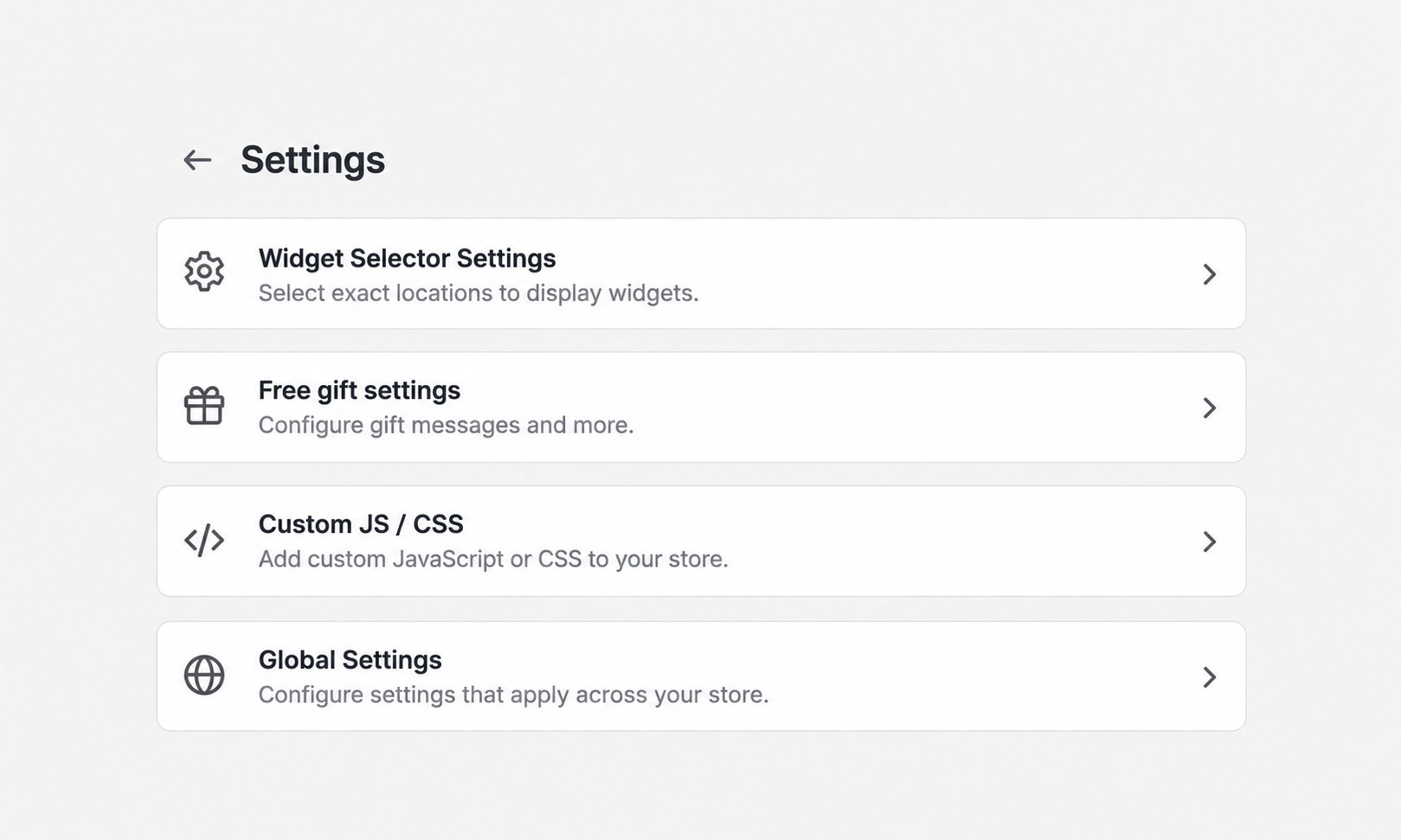
If a widget is missing or appears in the wrong place:- Open AIOD Discount & Gift > Settings.
- Select Widget Selector Settings.
- Enter the correct CSS selector for the relevant surface.
- Choose Above, Below, Inside top, or Inside bottom where a position menu is available.
- Click Save Settings.