

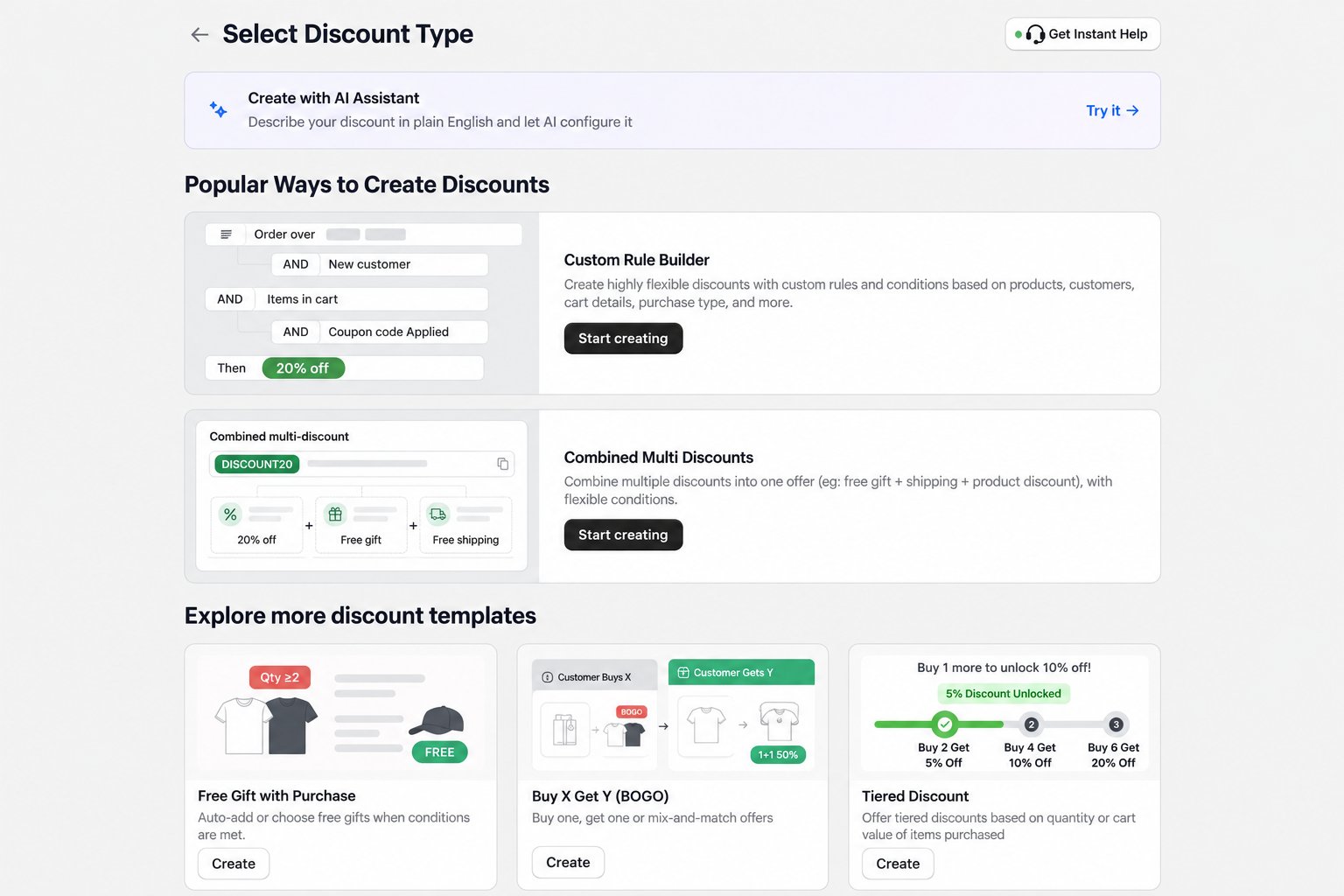
Create the combined offer
- In Shopify admin, open Apps > AIOD Discount & Gift > Discount Templates.
- Find Combined Multi Discounts and click Start creating.
- Choose the discount method required by the campaign.
- Add the qualification conditions that customers must meet.
- Configure Discount #1 as the Product Discount block: its target, value, and quantity behavior.
- Change Discount #2 to Free Gift and select the gift products and quantity. Every block, including one added with Add discount, starts as a Product Discount, so change the block type first.
- Click Add discount, change the new block to Shipping Discount, and configure the shipping reward.
- For an automatic discount, optionally enter a Discount message (optional) on each block so customers see a label for each reward. Blocks left empty use the offer title.
- Review the top-level limits, customer eligibility, dates, sales channels, and combination settings.
- Set the offer to Testing mode and save it.